
COMMAND CENTER
Your Business. One Dashboard.
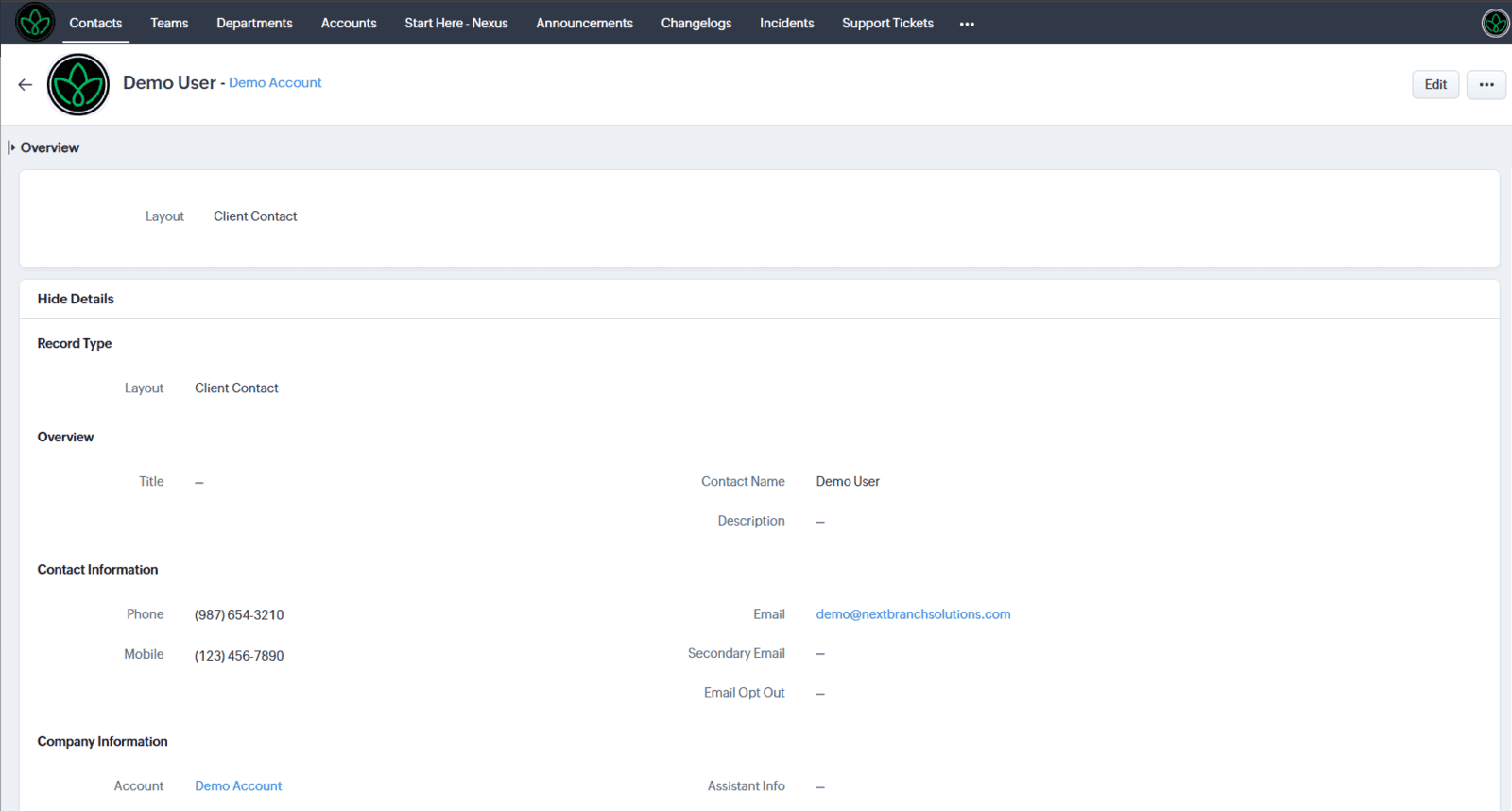
Explore how the NextBranch Command Center centralizes your business operations, assets, and services into one streamlined workspace. Use the demo account to navigate the platform and understand how your business will be organized, monitored, and supported.
ACCESS INSTRUCTIONS
Step 01
Review
Review this guide to understand:
how your business is summarized
where key information is surfaced
Step 02
Login
Step 03
Explore
Understand how each module tracks and monitors your business and give you insights to build a better strategy.
What You’re About to Experience
Inside the demo, you’ll be able to:
View how business data is structured and organized
Explore service tracking and operational visibility
Review assets, requests, and recommendations
Understand how the NextBranch team supports your business behind the scenes
What This Means for You
With NextBranch Command Center, you gain:
Visibility – Everything in one place
Control – Organized access to your business systems
Clarity – Clear understanding of what’s happening and what’s next
Support – Structured collaboration with the NextBranch team
This is not just a portal—it’s your operational foundation.
THIS IS NOT JUST A PORTAL—IT'S YOUR OPERATIONAL FOUNDATION.
IMPORTANT NOTES
This is a sample environment for demonstration purposes
Some features may be limited or simulated
Data shown is not real client data
Functionality may differ slightly from your live environment
COMMAND CENTER MODULES
My Organization
Accounts
Departments
Teams
Contacts
My Messages
Conversations
Conversation Threads
My Finance
Service Providers
Purchases
Subscriptions
Renewals
My Action Center
Announcements
Changelog
Incidents
Action Items
My Compliance
Compliance
Licenses
Policies
My Strategy
Strategic Roadmaps
Client Reports
Recommendations
My Operations
Client Projects
Support Tickets
My Brand
Brand Assets
Intellectual Properties
My Infrastructure
Infrastructure Overview
Communications
Email Accounts
Productivity Tools
File Repositories
Files
Forms
Websites
Web Hosting
Domains
Subdomains
SSL Certificates
Systems
Apps
Payment Processors
Integrations
Workflows
Automations
Backups
Recovery
Tracking
Analytics
Dashboards
Access Credentials